Add signature to Gmail
-
After copying your signature. Head to mail.google.com and login.
-
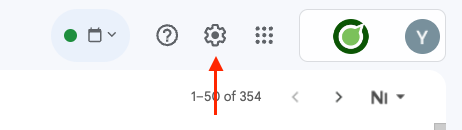
Click the gear icon on the top right to open the quick settings.
-
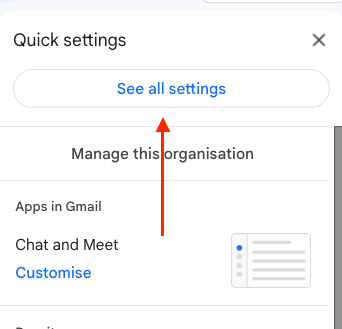
Click the "See all settings" button on the top side of the quick settings.
-
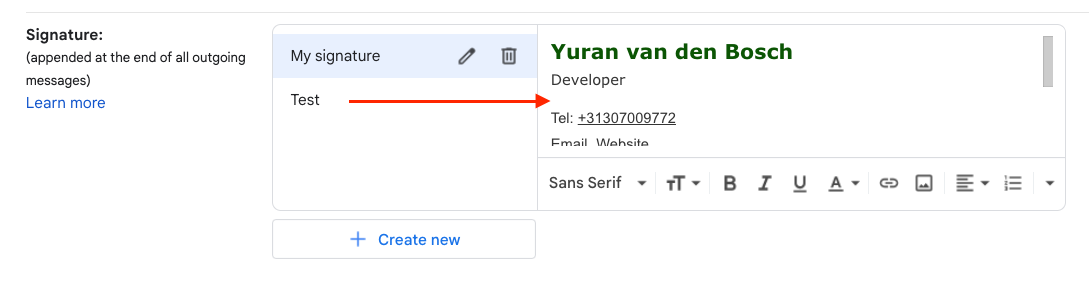
Scroll down to the signature section. Create a new signature if needed, and paste the previously copied signature in the text field.
-
Scroll down and save the changes.
